
News
Compare Up to Four Vehicles Before Your Viewing
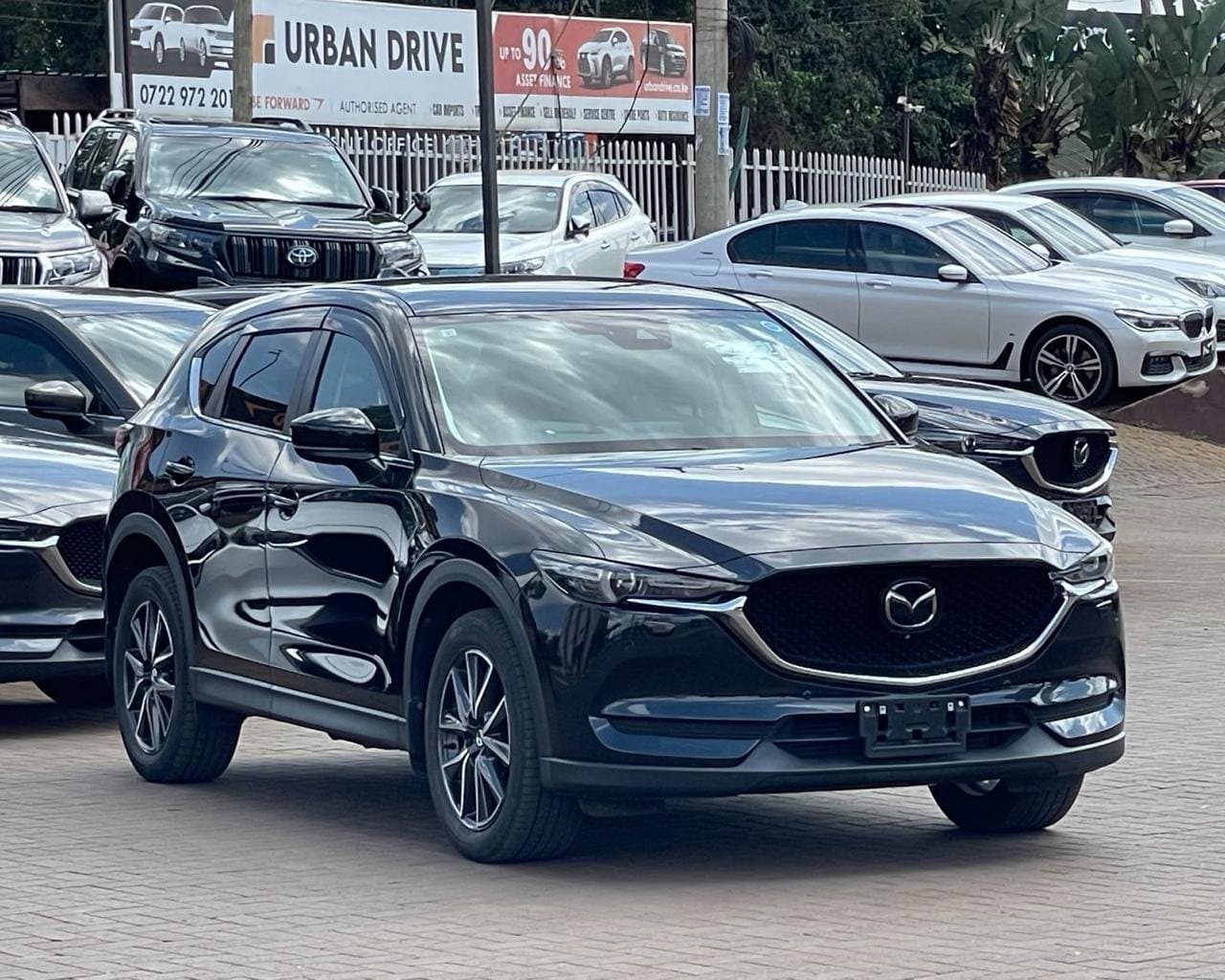
The Compare control on each vehicle card lets you build a shortlist of up to four cars. Select at least two, then open the comparison page to view their prices and specifications side by side. You can remove a car from the comparison whenever your shortlist changes.
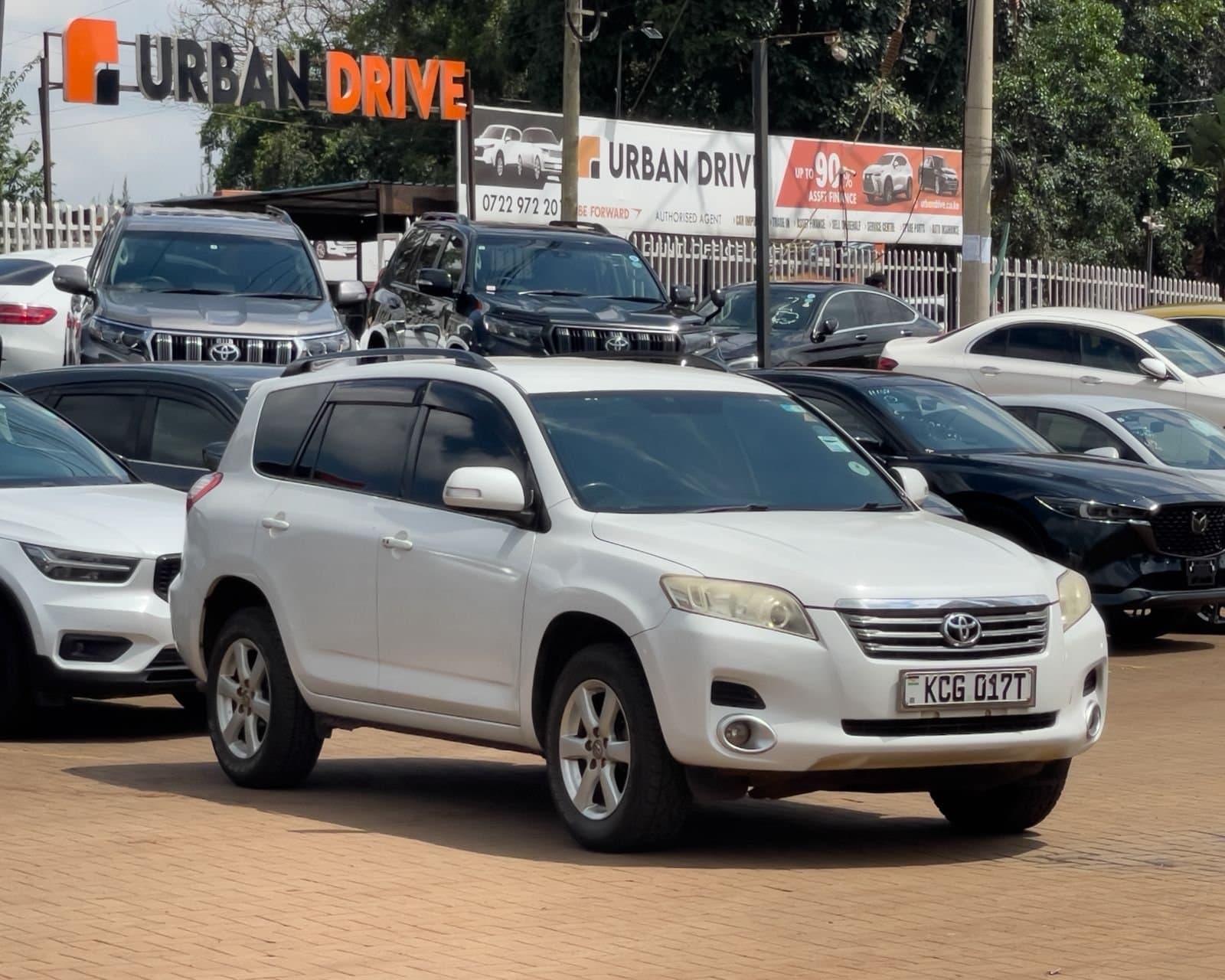
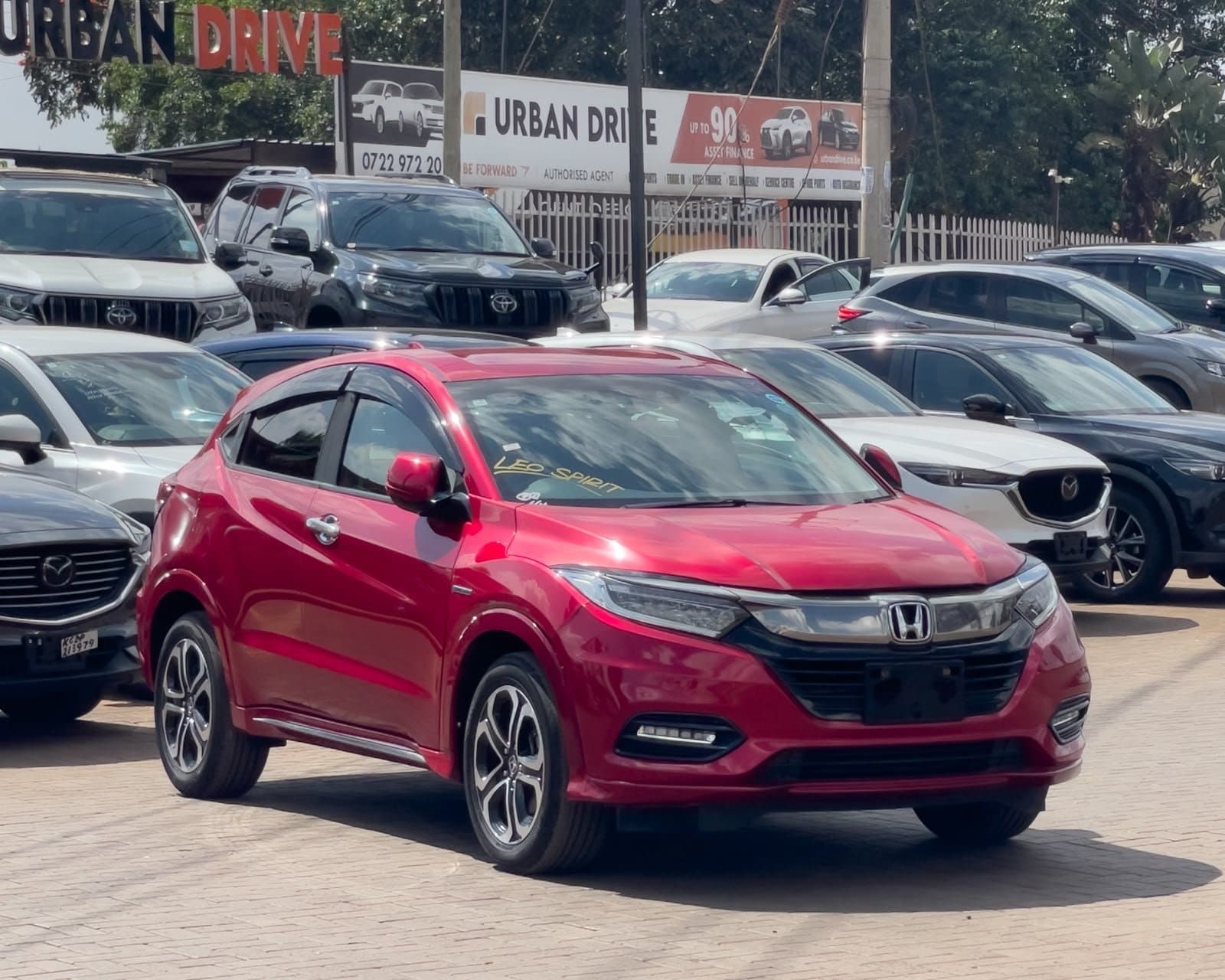
The comparison is especially useful when several listings share a model name. Their stock numbers and photographs help keep the individual cars distinct. Look at the year, mileage and price together, and open the full listing when you need the complete gallery or description.
A comparison table cannot explain all differences in condition or maintenance history. Use it to identify the questions you want to ask at a viewing, rather than treating the lowest figure in a row as an automatic winner. Missing details should be confirmed with the team.
When your shortlist is ready, use a listing's WhatsApp link to start a conversation about that vehicle. The prepared message includes its stock number and page link. You can add the other stock numbers and your questions before pressing Send in WhatsApp.
Ready to find your next car?
Browse Urban Drive InventoryExplore Related Vehicles
KSh 3,300,000
Est. KSh 60,068/mo
Nairobi
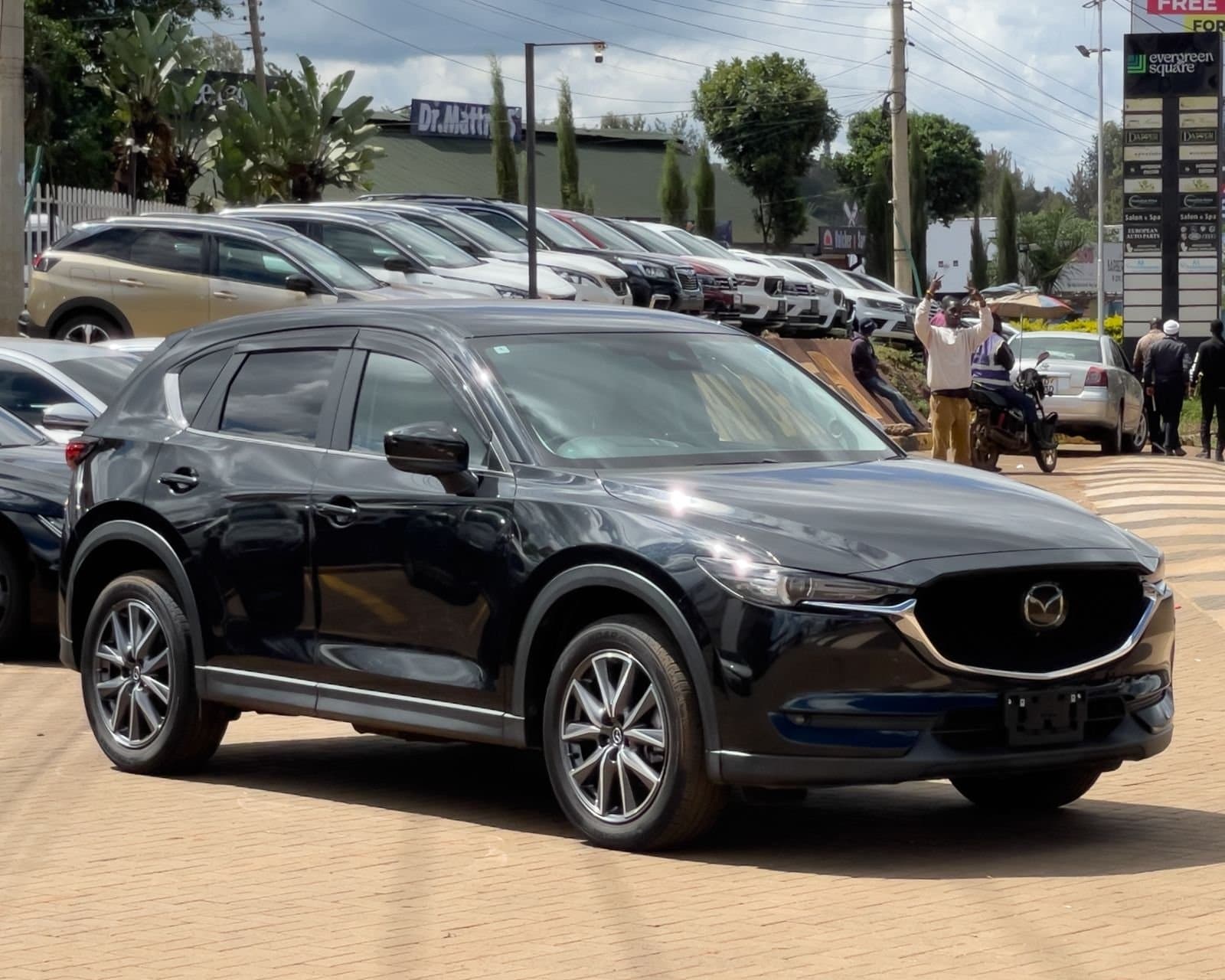
KSh 3,100,000
Est. KSh 56,428/mo
Nairobi
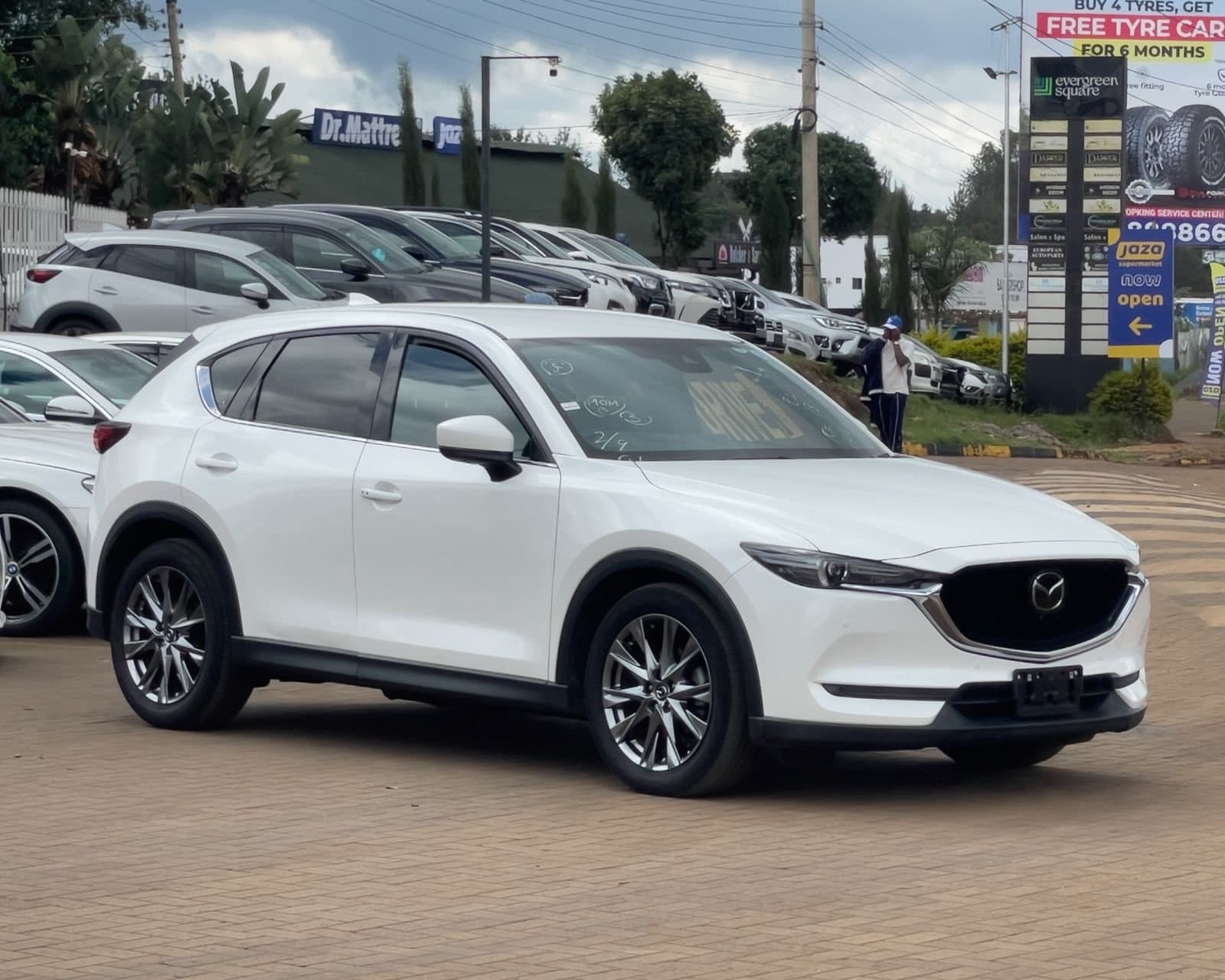
KSh 3,200,000
Est. KSh 58,248/mo
Nairobi
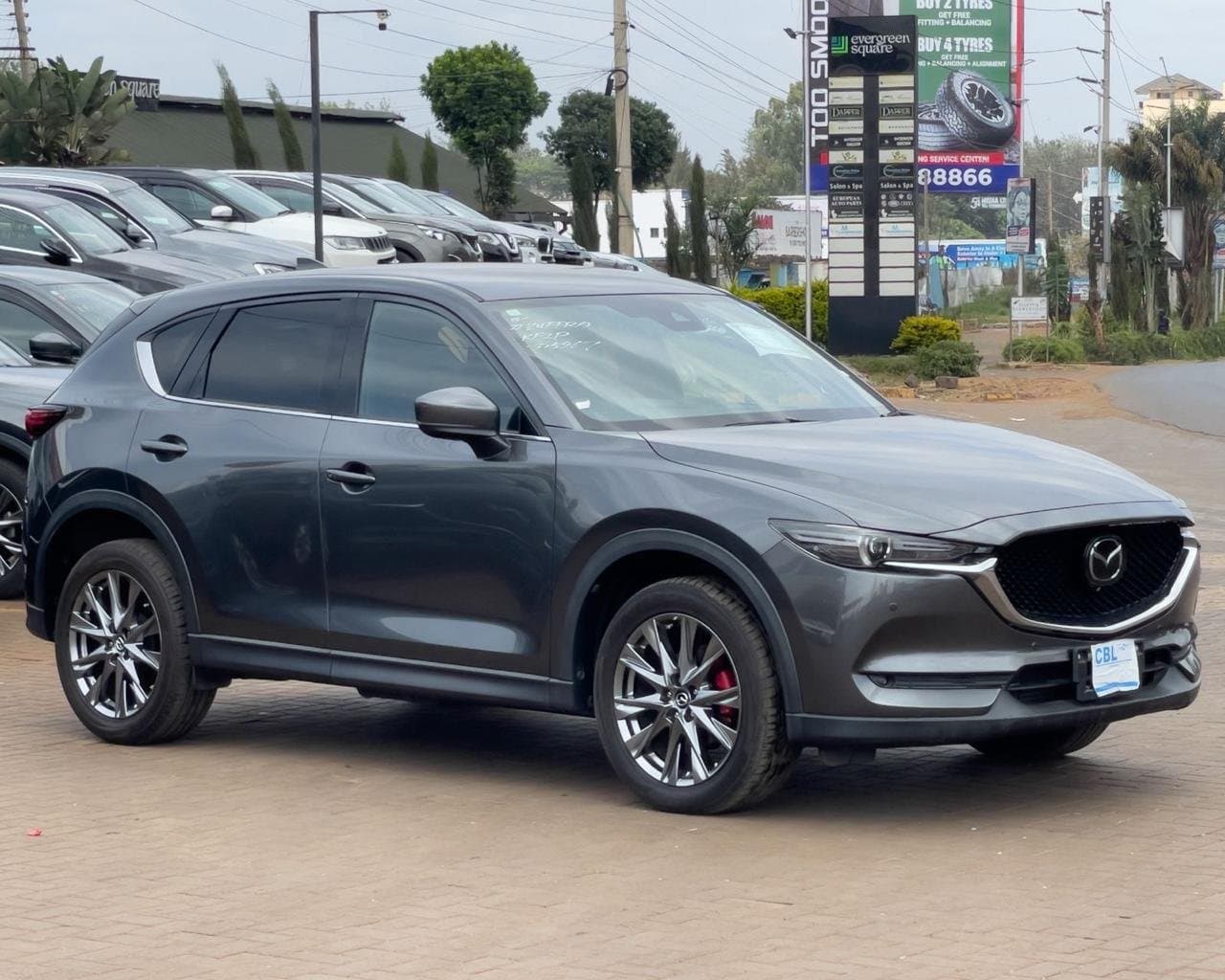
KSh 3,400,000
Est. KSh 61,888/mo
Nairobi
Related Articles
 News
NewsExplore Urban Drive's Complete Vehicle Photo Galleries
Our website now connects vehicle listings to locally stored galleries from Urban Drive's published inventory.
30 September 2026 · 1 min read
 News
NewsSend Vehicle Enquiries and Viewing Requests Through WhatsApp
You can now prepare an enquiry from a vehicle listing or one of our contact forms and continue the conversation in WhatsApp.
30 September 2026 · 1 min read